Exploring the Meta Quest 3S: Features, Low-Light Tracking, and What Sets It Apart
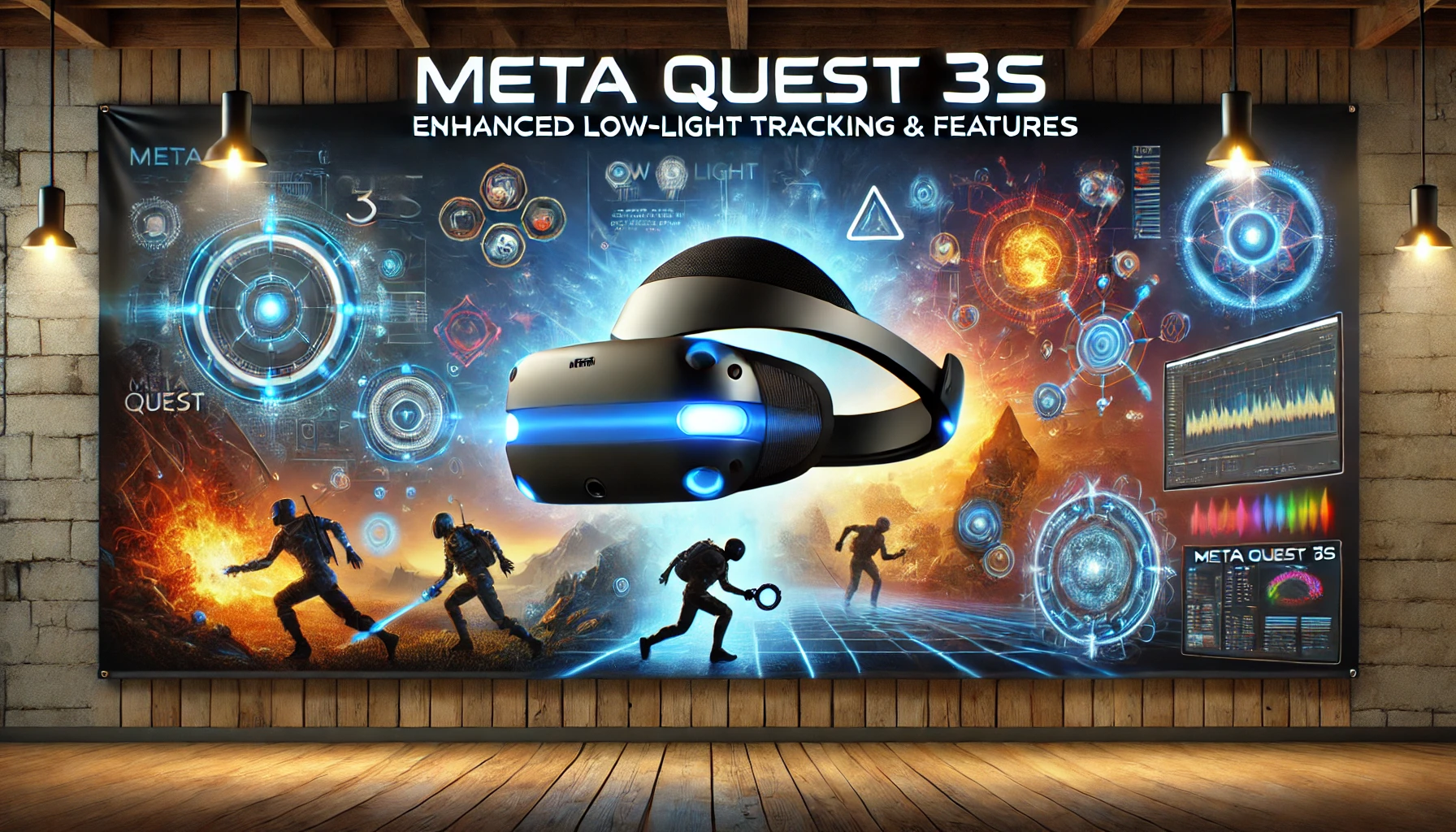
The world of virtual reality (VR) is evolving rapidly, with new innovations pushing the boundaries of what’s possible. Among the latest advancements is the Meta Quest 3S, a headset that promises to enhance the VR experience with better low-light tracking and improved features compared to its predecessor, the Quest 3. With the focus on providing users with a more immersive and interactive environment, the Quest 3S is set to be a game changer in the realm of virtual reality headsets.
In this blog, we will explore the Meta Quest 3S, comparing its capabilities, particularly in low-light scenarios, with those of the Quest 3. We’ll delve into its features, specifications, and what makes it a compelling choice for VR enthusiasts.
The Meta Quest 3S: An Overview
Launched as an affordable yet powerful VR headset, the Meta Quest 3S aims to cater to both casual users and avid gamers. This headset offers a blend of functionality and performance, making it a significant player in the VR market.
Key Features of the Meta Quest 3S
- Enhanced Low-Light Tracking: One of the standout features of the Quest 3S is its improved low-light tracking capabilities. This is particularly important for users who want to enjoy immersive experiences in various lighting conditionsTechRadar.
- High-Resolution Display: The Meta Quest 3S features an LCD display with a resolution of 1832 x 1920 pixels per eye, providing clear and vibrant visuals for an engaging experienceAndroid Central.
- Improved Audio Quality: The headset comes with upgraded built-in speakers, offering immersive 3D audio that enhances the overall VR experienceLaptopMag.
- Lightweight Design: Weighing slightly less than its predecessor, the Quest 3, the Quest 3S is designed for comfort, allowing users to enjoy extended gaming sessions without discomfort.
Comparing Quest 3S to Quest 3: Key Differences
The Meta Quest 3S is positioned as a more budget-friendly alternative to the Quest 3, but what are the main differences between these two headsets?
Display and Optics
- Resolution: The Quest 3 boasts a resolution of 2064 x 2208 pixels per eye, which translates to sharper images compared to the Quest 3S. While the Quest 3S offers solid performance, users seeking the highest visual fidelity may prefer the higher resolution of the Quest 3Android Central.
- Lens Technology: The Quest 3 features pancake lenses, providing a wider sweet spot and improved clarity, while the Quest 3S uses fresnel lenses, which can introduce some visual artifactsLaptopMagAndroid Central.
Tracking and Interaction
- Low-Light Performance: As previously mentioned, the Quest 3S offers superior low-light tracking, which means it can better track head and hand movements in dim environments, enhancing immersionTechRadarAndroid Central.
- Controller Technology: Both headsets feature the same controller technology, but the Quest 3S has some optimizations that make hand tracking more responsive Android Central.
Price Point
The Meta Quest 3S is priced competitively, making it an attractive option for those new to VR or for users who want a quality headset without breaking the bank. This pricing strategy could make the Quest 3S appealing to a broader audienceAndroid Central.
Low-Light Tracking: A Game-Changer for VR Experiences
One of the most notable advancements in the Meta Quest 3S is its low-light tracking capabilities. This feature is crucial for users who want to experience VR in various lighting conditions, whether it be in a dark room or during late-night gaming sessions.
How Low-Light Tracking Works
Low-light tracking employs advanced sensors and algorithms to improve the accuracy of head and hand tracking even in less-than-ideal lighting. This means that whether you’re playing an intense VR game or simply navigating through a virtual environment, your movements will be captured more accuratelyTechRadar
Benefits of Enhanced Low-Light Tracking
- Immersive Experience: With improved tracking, users can engage more naturally with virtual environments, leading to a more immersive experience.
- Versatile Usage: Users can enjoy VR experiences in a wider range of settings, making the headset suitable for various scenarios—from gaming to social interaction.
- Improved Interaction: Enhanced tracking means that gestures and movements are interpreted more accurately, which is especially important for social VR applications where non-verbal communication is key.
Exploring the Mixed Reality Capabilities
Both the Meta Quest 3 and Quest 3S offer mixed reality (MR) capabilities, which allow users to blend virtual objects with the real world. This feature opens up a plethora of possibilities for gaming and interactive experiences.
Mixed Reality in Quest 3S
- Passthrough Vision: The Quest 3S offers color passthrough vision, enabling users to see their surroundings while wearing the headset. This feature allows for a more seamless transition between virtual and real-world environmentsAndroid Central.
- Applications in Gaming and Work: With MR capabilities, users can place virtual objects in their real environment, enhancing gameplay and productivity applicationsAndroid Central. For instance, placing a virtual desk in your living room or engaging in games that require physical movement through your space.
Why Choose Meta Quest 3S?
As the competition in the VR headset market intensifies, the Meta Quest 3S stands out with its focus on low-light tracking and affordability. While it may not have the highest resolution compared to the Quest 3, its enhancements in tracking, audio quality, and mixed reality capabilities make it an appealing option for both newcomers and seasoned VR users.
Whether you’re exploring new games, attending virtual events, or engaging in creative projects, the Meta Quest 3S promises a versatile and immersive experience. For anyone considering a new VR headset, the Quest 3S could be the perfect choice, especially for those who value performance in various lighting conditions.
To keep up with the latest in VR technology and gaming, check out resources at Regent Studies.

You may also like