Google Photos Could Soon Tell You If an Image is AI-Generated: What This Means for Users
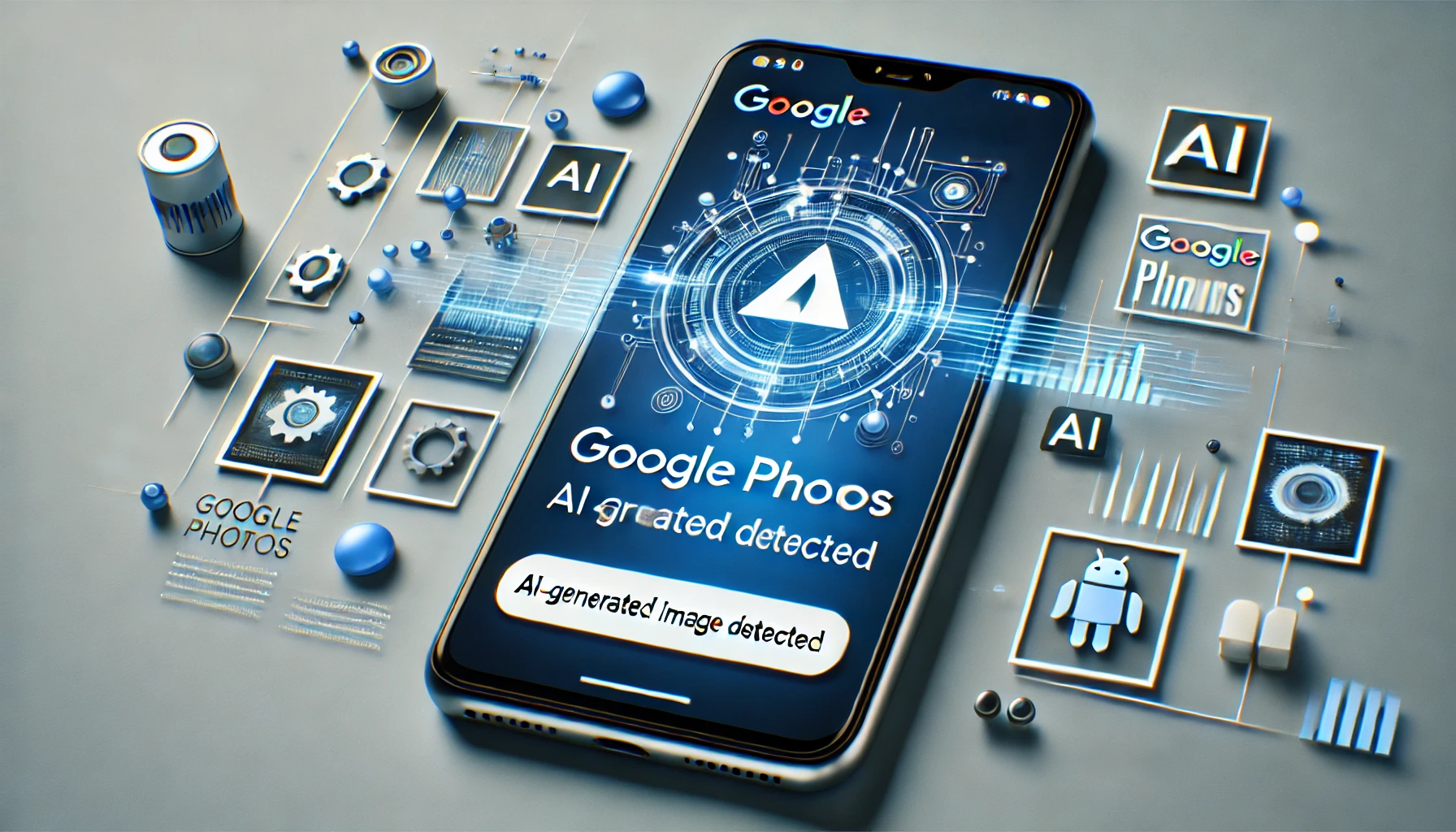
Artificial intelligence (AI) continues to transform the digital landscape, and now it’s taking aim at how we manage and identify images. According to an APK teardown, Google Photos is introducing a groundbreaking feature that will allow users to identify whether an image in their gallery is AI-generated. As the line between real and AI-created content blurs, this new functionality is expected to give users greater transparency and control over their photo collections.
In this blog, we’ll explore how Google Photos AI detection works, the role of metadata in identifying AI-generated images, and why this feature is so important in today’s digital age. We’ll also discuss the implications for privacy, authenticity, and security.
Google Photos AI Detection: How Does It Work?
Google Photos AI detection is an emerging feature designed to help users determine if a photo in their collection was created using AI. The AI-detection feature works by analyzing an image’s metadata—the data embedded in digital files that contain information about the creation and modification of the image. When an image is identified as AI-generated, Google Photos will notify the user and label it accordingly.
This detection capability is still in development, but the technology behind it is based on AI-driven algorithms that identify patterns, pixel structures, and EXIF data (Exchangeable Image File Format). EXIF data provides detailed information about how an image was produced, including whether AI tools were used in its creation.
By adding this capability, Google Photos aims to help users distinguish between real photos and AI-generated images, which is becoming increasingly difficult due to the sophistication of tools like Midjourney, DALL-E, and Stable Diffusion.
AI-Generated Image Detection: Why It’s Necessary
The demand for AI-generated image detection tools is growing as the ability to create realistic images with AI becomes more accessible. Whether for creative purposes, marketing, or even misinformation, AI-generated images can serve various functions—some of which raise ethical concerns.
One of the key reasons for this new feature in Google Photos is the rise of AI-generated image manipulation. AI models can now create hyper-realistic images that mimic reality, making it difficult to tell the difference between a genuine photograph and one made by AI. This has implications for social media, journalism, and legal systems where image authenticity is paramount.
The AI-generated image detection tool could play a vital role in:
- Preventing misinformation: As AI technology advances, AI-generated photos can be used to spread false information. This feature would help identify such manipulated images, particularly when it comes to deepfakes.
- Maintaining trust: By labeling AI-generated images, platforms like Google Photos could help users maintain trust in the authenticity of the images they share and receive.
- Creative attribution: With more artists using AI tools to create art, having a feature that recognizes AI involvement could allow for better attribution and acknowledgment of the technology used.
How Metadata and EXIF Data Help Detect AI-Generated Images
Metadata plays a crucial role in identifying whether an image was created using AI. Every image taken with a digital camera or smartphone carries metadata, which includes information such as:
- The camera model used
- Exposure settings
- GPS location
- Time and date of capture
For AI-generated images, this data might include tags or markers that indicate they were created by an AI tool. Google’s new feature would leverage this EXIF data to detect whether AI was involved in the creation of an image.
In the APK teardown of the latest Google Photos version, it was revealed that images generated with Google’s own AI, like Google Gemini, will have a tag that reads “Made with Google AI.” Other AI tools may include similar tags in their EXIF data as AI generation becomes more standardized.
APK Teardown: A Sneak Peek into Google Photos’ Upcoming AI Features
APK teardowns involve examining the underlying code of apps to discover new features before they are officially released. A recent Google Photos APK teardown has revealed lines of code that indicate the introduction of AI image detection features. These codes hint at the ability to:
- Identify AI-generated images based on their metadata
- Label images created using AI algorithms
- Use AI to search for photo recognition and manipulation
The APK teardown specifically revealed the AI detection tools as part of Google Photos’ latest update. This feature may become an essential part of how users manage their image libraries, particularly with the increase in AI-generated content on the web.
The Future of AI Photo Recognition in Google Photos
Google has long been a leader in developing AI-powered tools. Its AI photo recognition capabilities, already used for identifying objects and faces in photos, will now extend to identifying images created or manipulated by AI. The company’s efforts to include AI-generated image detection demonstrate a strong commitment to protecting users from misinformation and ensuring transparency in digital media.
Moreover, Google’s Ask Photos feature, built using Gemini (Google’s latest AI model), could soon be enhanced to answer specific questions about the origin of images. This feature would allow users to search for AI-generated content across their photo library and even identify potential alterations in images.
Implications for Privacy and Security
As Google Photos introduces AI-generated image detection, users may have concerns about privacy and how their data is handled. However, Google is likely to handle this responsibly by providing clear guidelines on how metadata is used solely to identify the origins of images. Still, the broader question of how AI impacts privacy remains.
Increased transparency around image creation through metadata tagging could provide users with better control over their digital content. For example, individuals can be more vigilant about sharing or trusting images, especially in sensitive areas like journalism, law, or social media.
For those looking to stay ahead in the digital privacy realm and understand how AI impacts everyday technologies, resources like Regent Studies offer valuable insights.
AI-Generated Image Detection Is the Future of Media Management
With the introduction of AI-generated image detection tools, Google Photos is set to offer a new layer of transparency in how images are created, stored, and shared. This capability will empower users to manage their media libraries with greater confidence, helping to identify AI-generated images based on metadata and EXIF data.
As AI continues to evolve, tools like this will become essential in ensuring authenticity and trust in digital content. Whether you’re an artist, a photographer, or just someone who values privacy and security in the digital world, understanding how Google Photos AI image detection works will help you stay informed and protected.
For more details on how technology and AI influence our digital lives, you can explore further readings and guides at Regent Studies.
External Source:
Read more about Google Photos AI detection on Android Authority.

You may also like