Lenovo Creator Zone: Features and Benefits for Creators
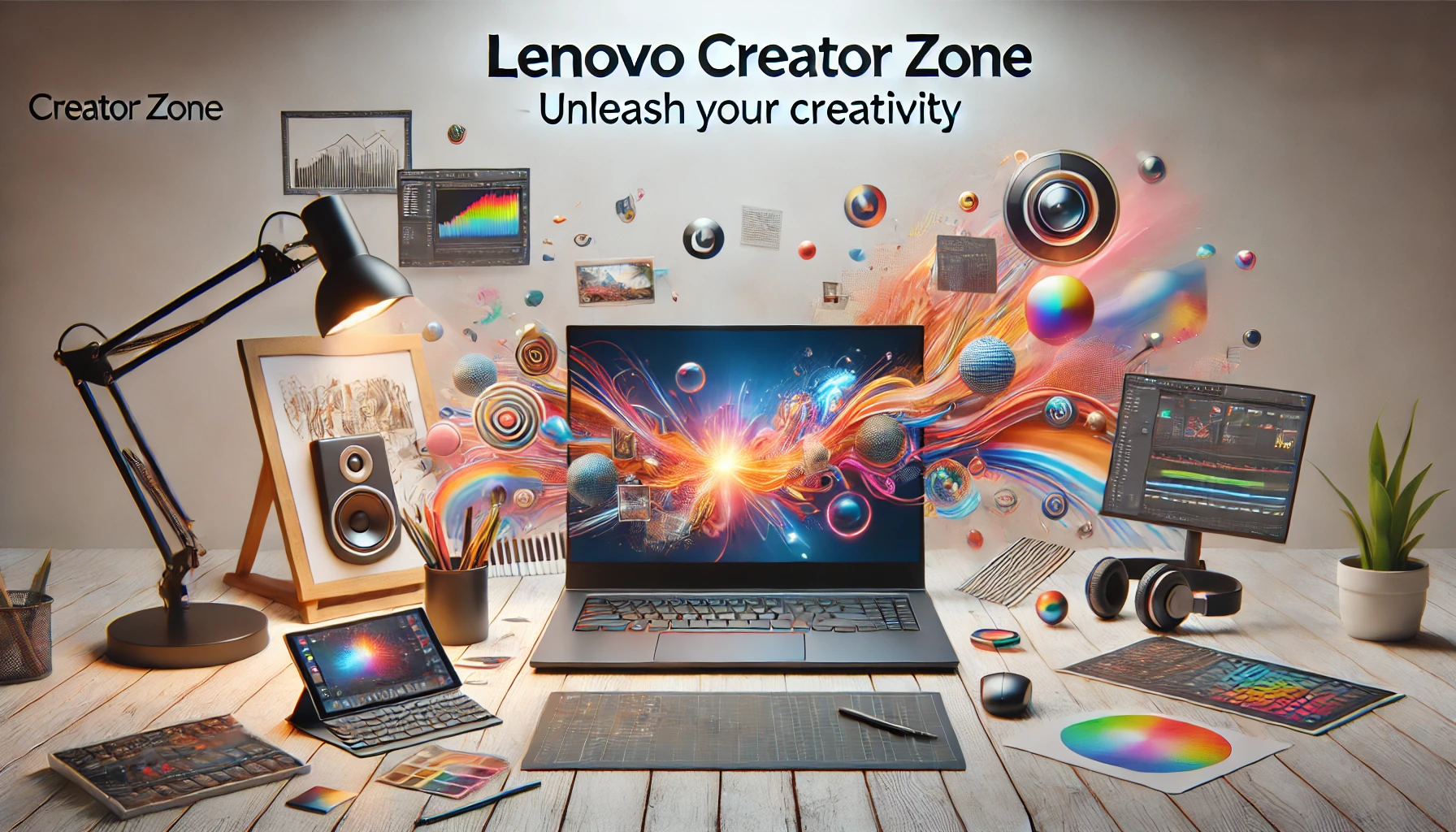
Lenovo Creator Zone: In today’s digital age, creative professionals need robust tools to streamline their workflows, enhance productivity, and push the limits of their imagination. Whether you are a graphic designer, videographer, or digital artist, having the right tools can make all the difference. Lenovo Creator Zone is designed specifically with creators in mind, providing a platform that integrates powerful hardware and intuitive software to optimize your creative process.
In this blog, we’ll dive deep into Lenovo Creator Zone, exploring its features, setup, performance, and the best Lenovo laptops to use with it. If you’re a creator looking to elevate your work, this guide is for you.
What is Lenovo Creator Zone?
At its core, Lenovo Creator Zone is a platform that helps content creators unleash their potential by offering a suite of tools, performance enhancements, and customizations tailored to creative tasks. Whether you are working with graphic design, video editing, or 3D rendering, Creator Zone allows you to get the most out of your Lenovo hardware.
Key Features of Lenovo Creator Zone
The features of Lenovo Creator Zone are designed to optimize creative workflows. Some of the most notable features include:
- Customized Performance Settings: You can tailor the laptop’s performance based on your workload. For tasks like rendering or multitasking, it can allocate system resources to ensure smooth operation.
- AI-Driven Enhancements: With AI-powered performance tuning, Creator Zone can adapt system settings dynamically to optimize specific creative tasks like editing videos or working with large image files.
- App Integration: Lenovo Creator Zone works seamlessly with popular software such as Adobe Creative Cloud, Blender, and Autodesk, allowing creators to streamline their work without compatibility issues.
Lenovo Creator Zone makes managing resource-heavy applications easier, and by allowing you to optimize performance on the go, it provides a professional-grade experience for creators across various industries.
Lenovo Creator Zone Download and Setup
Getting started with Lenovo Creator Zone is easy. Whether you’re using a Lenovo laptop for the first time or looking to optimize your current device, the process is straightforward. Let’s walk through how to download Lenovo Creator Zone and set it up for your creative needs.
Step-by-Step Download Guide
- Visit Lenovo’s Official Website: You can find the Lenovo Creator Zone download link on Lenovo’s support page. This ensures that you’re downloading the latest version optimized for your specific hardware.
- Install the Software: Once downloaded, follow the installation prompts to set up the Creator Zone.
- Configure Performance Settings: During setup, the software will guide you through configuring key settings, such as performance tuning and application integration.
Initial Setup of Lenovo Creator Zone
Once the installation is complete, you’ll be able to set up Lenovo Creator Zone to meet your specific needs. The platform offers tutorials to help you navigate the different features. You can choose from performance presets based on whether you need enhanced battery life, maximum performance for demanding tasks, or a balanced mode for everyday use.
The setup process is simple, and even those unfamiliar with performance optimization can quickly learn how to fine-tune their laptops using Lenovo Creator Zone.
Optimizing Performance with Lenovo Creator Zone
Once you’ve installed the software, the next step is to take advantage of its powerful performance features. The performance of Lenovo Creator Zone is driven by AI and offers granular control over how your system resources are allocated.
Performance Optimization for Creators
With Lenovo Creator Zone, you can enhance performance based on the tasks you’re performing:
- For Video Editing: When running video-editing software like Adobe Premiere Pro, Creator Zone automatically adjusts CPU and GPU usage to ensure smooth rendering and playback.
- For Graphic Design: In apps like Adobe Photoshop, it optimizes memory and CPU usage to allow for quicker edits and rendering without lag.
- For 3D Rendering: Creator Zone excels at allocating resources to complex rendering tasks in software such as Blender or Autodesk, reducing rendering times and keeping the machine running efficiently.
Lenovo’s AI-driven optimization ensures your laptop remains cool under pressure, preventing thermal throttling even during extended use.
Lenovo Creator Zone Tutorial: Getting the Most Out of Your Setup
If you’re new to performance optimization or Creator Zone, don’t worry—there are plenty of tutorials available within the app to help you get started. These tutorials cover everything from basic setup to more advanced optimization techniques for specific tasks like video editing, 3D modeling, or even podcasting.
How to Use Lenovo Creator Zone
The Lenovo Creator Zone tutorial walks users through the main functions:
- App Management: Set up profiles for different creative apps to ensure optimal performance when switching between tasks.
- Custom Performance Modes: You can create custom modes for different projects, such as maximum power when editing videos or a balanced mode for graphic design.
- Real-Time Monitoring: Track system performance in real-time, including CPU and GPU usage, temperature, and battery life, helping you make adjustments on the fly.
These tutorials are a great starting point for users who want to explore all the features Lenovo Creator Zone has to offer.
The Best Lenovo Laptops for Lenovo Creator Zone
If you’re wondering which Lenovo laptops are best for creators, Lenovo Creator Zone works particularly well with Lenovo’s high-performance devices. Here are a few standout models that offer seamless integration with the Creator Zone platform:
Lenovo Yoga Creator Series
The Yoga Creator Series combines powerful hardware with the flexibility of 2-in-1 designs. These laptops are perfect for designers and digital artists who need touchscreen functionality without sacrificing performance.
Lenovo Legion 7
The Lenovo Legion 7 is primarily marketed to gamers but doubles as a powerhouse for creative professionals. With high-end GPUs and CPUs, it’s ideal for 3D rendering, video editing, and graphic design.
Lenovo ThinkPad X1 Extreme
For creators seeking a balance between portability and power, the ThinkPad X1 Extreme offers exceptional performance. It’s lightweight but still features the advanced processing power needed for complex creative tasks.
Each of these laptops is optimized for Lenovo Creator Zone, ensuring you get the most out of your hardware and software when working on demanding projects.
Why Lenovo Creator Zone is Perfect for Creators
The Lenovo Creator Zone is more than just a set of tools—it’s a platform designed to help creators maximize their productivity. Whether you’re working on heavy video-editing tasks, graphic design projects, or rendering 3D models, Creator Zone tailors the system’s performance to your specific needs.
Key Benefits:
- Customization: Tailor your laptop’s performance based on the type of creative work you’re doing.
- App Integration: Use it seamlessly with professional tools like Adobe Creative Cloud, Blender, and more.
- AI-Driven Optimization: Ensure that your system is running at peak performance without overheating or slowing down.
For creators looking to push their work to the next level, Lenovo Creator Zone is an indispensable tool that optimizes both hardware and software (Content at Scale).
Elevate Your Creative Work with Lenovo Creator Zone
The Lenovo Creator Zone offers a powerful platform for creators who need more control over their devices’ performance. From features like AI-driven optimization to intuitive software and real-time monitoring, Lenovo has designed Creator Zone to meet the demands of today’s creative professionals.
Whether you’re downloading and setting up Creator Zone for the first time or looking for the best Lenovo laptop to enhance your creative process, Lenovo has you covered. Explore the full potential of Lenovo Creator Zone to elevate your work and boost productivity. For more tips and resources on using technology to its fullest, check out Regent Studies.
By embracing Lenovo Creator Zone, creators can unlock new levels of efficiency and creativity, transforming how they work with the help of cutting-edge tools and optimizations.

You may also like