• Homeschool Curriculum
  • ALIGNED CURRICULUM
  • QUIZZES & MCQs
  • Live Classes
  • EDUTECH BLOGS
    • Add Your Article
    • Become a Publisher
  • 12:00 GMT
  • LIVE Class Status
  • Tutors Portal
  • Free Resources
Membership   Login Membership not activated
Regent Studies
  • Homeschool Curriculum
  • ALIGNED CURRICULUM
  • QUIZZES & MCQs
  • Live Classes
  • EDUTECH BLOGS
    • Add Your Article
    • Become a Publisher

Tech Gadget Reviews

  • Home
  • Blog
  • Tech Gadget Reviews
  •  The Best 3D Laptop: Top Models and In-Depth Reviews
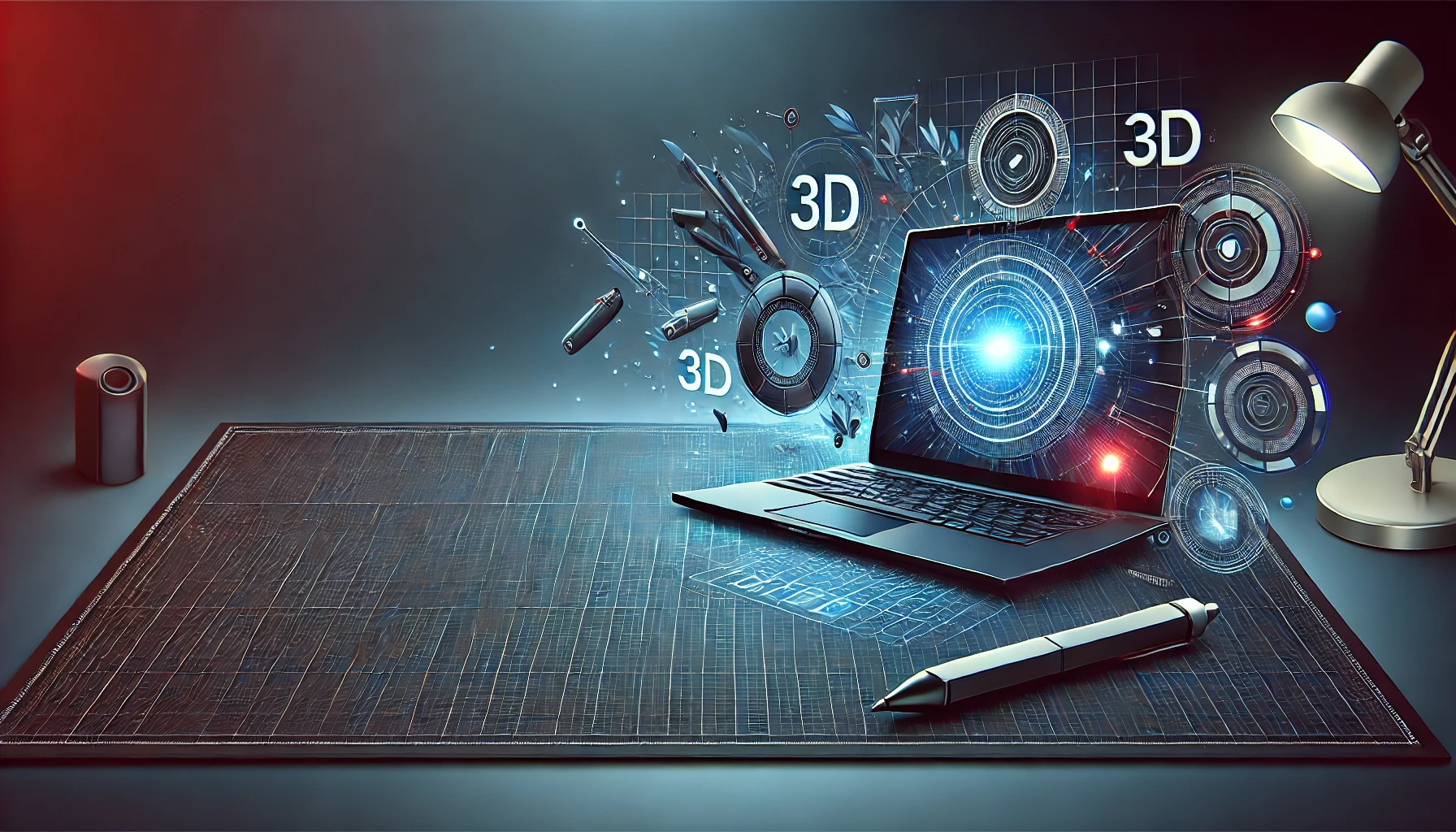
 The Best 3D Laptop: Top Models and In-Depth Reviews

  • Posted by Shinra (USA)
  • Categories Tech Gadget Reviews
  • Date August 26, 2024
3d laptop
As technology continues to evolve, 3D laptops have become increasingly popular among gamers, designers, and animators. These specialized laptops offer the power and versatility needed to handle complex 3D tasks, whether for gaming, animation, or 3D modeling. In this comprehensive guide, we’ll explore what makes a 3D laptop stand out, review some of the best 3D laptop models on the market, and provide insights into the features that matter most.

What is a 3D Laptop?

A 3D laptop is designed with advanced graphics capabilities that allow it to render three-dimensional images and animations. These laptops often come equipped with high-performance GPUs (Graphics Processing Units), high-resolution screens, and powerful processors, making them ideal for tasks that require intensive graphical processing. Whether you’re into gaming, animation, or 3D modeling, a 3D laptop offers the tools you need to bring your ideas to life.

Best 3D Laptop Models: What to Look For

When choosing a 3D laptop, it’s essential to consider the specific features that align with your needs. From screen quality to processing power, the following models are among the top contenders in the market today.

Exploring the Latest 3D Laptop Models

  1. Alienware m15 R6: Known for its powerful NVIDIA GeForce RTX 3080 GPU, the Alienware m15 R6 is a top choice for gamers and designers alike. Its 3D laptop screen offers a crisp 4K resolution, making it perfect for detailed 3D work. Additionally, its sleek design and customizable RGB lighting add to its appeal.
  2. ASUS ROG Zephyrus G15: This model combines power and portability, featuring an AMD Ryzen 9 processor and NVIDIA RTX 3070 graphics. The 3D laptop model is particularly popular among gamers due to its high refresh rate and immersive display.
  3. MSI Creator Z16: Tailored for creators, the MSI Creator Z16 boasts a stunning 16:10 QHD+ touch display, perfect for design and animation projects. Its 3D laptop design is both elegant and functional, offering a large screen without sacrificing portability.
  4. Acer ConceptD 7: This laptop is designed for professional creators, featuring a Pantone-validated 4K display and NVIDIA RTX 2080 graphics. The 3D laptop screen provides accurate color reproduction, making it an excellent choice for animators and graphic designers.
  5. HP Omen 15: The HP Omen 15 is a budget-friendly option that doesn’t compromise on performance. With its NVIDIA GTX 1660 Ti graphics, this 3D laptop is well-suited for gaming and light 3D rendering tasks.

What Makes a 3D Laptop Screen Stand Out?

The quality of a 3D laptop screen is crucial for any user who relies on accurate visuals. Here are some key features to look for:

  1. Resolution: Higher resolutions, such as 4K, provide more detail and clarity, essential for tasks like 3D modeling and animation.
  2. Refresh Rate: A higher refresh rate (120Hz or more) ensures smoother visuals, which is particularly important for gaming and real-time rendering.
  3. Color Accuracy: For designers and animators, a screen with high color accuracy (e.g., Pantone-validated displays) is essential to ensure that colors are rendered correctly.
  4. Brightness: A bright display allows for better visibility in various lighting conditions, making it easier to work on detailed projects.

Top 3D Laptops for Gaming and Animation

When it comes to 3D laptop options specifically tailored for gaming and animation, performance and graphics are paramount. Below are some of the top choices:

3D Laptops for Gaming Enthusiasts

  1. Razer Blade 15 Advanced: Known for its sleek design and powerful performance, the Razer Blade 15 Advanced is a top pick for gamers. With an NVIDIA RTX 3080 GPU and a high refresh rate display, it’s perfect for intense gaming sessions.
  2. Gigabyte Aorus 15G: This 3D laptop for gaming offers a mechanical keyboard and powerful RTX 3080 graphics, making it ideal for competitive gamers who demand precision and performance.

3D Laptops for Animators and Designers

  1. Lenovo Legion 5 Pro: Featuring a 16:10 aspect ratio and NVIDIA RTX 3070 graphics, this laptop provides the screen real estate and power needed for animation and 3D rendering.
  2. Dell XPS 17: With a 4K Ultra HD display and powerful Intel i9 processor, the Dell XPS 17 is perfect for animators looking for a 3D laptop that can handle complex tasks without compromising on portability.

Affordable 3D Laptops Under $1000: Best Picks and Essential Software

Finding a 3D laptop under $1000 that delivers solid performance can be challenging, but several models offer great value for the price.

Budget-Friendly 3D Laptops

  1. Acer Nitro 5: Starting at around $900, the Acer Nitro 5 offers an NVIDIA GTX 1650 GPU and a decent 1080p display. It’s a great entry-level option for those looking to explore 3D gaming or design without breaking the bank.
  2. HP Pavilion Gaming Laptop: Priced just under $1000, this laptop features an AMD Ryzen 5 processor and NVIDIA GTX 1650 graphics, making it a good choice for budget-conscious gamers.
  3. Lenovo Ideapad Gaming 3: With its AMD Ryzen 5 and GTX 1650 graphics, this laptop offers a good balance of performance and affordability for gamers and light 3D work.

Essential Software for 3D Laptops

To get the most out of your 3D laptop, you’ll need the right software. Here are some must-have tools:

  1. Autodesk Maya: A powerful 3D animation software widely used in the film and gaming industries.
  2. Blender: An open-source 3D creation suite that supports modeling, animation, and rendering.
  3. Unity 3D: A popular game development platform that offers tools for creating 3D games and simulations.
  4. Adobe After Effects: Ideal for animators, this software allows you to create stunning visual effects and motion graphics.

Choosing the Right 3D Laptop Design: What to Consider

The 3D laptop design plays a crucial role in your overall experience. Whether you’re focused on portability, aesthetics, or functionality, here are some design aspects to keep in mind:

  1. Portability: If you’re frequently on the go, opt for a lightweight design with a durable build.
  2. Keyboard and Trackpad: For those working long hours, a comfortable keyboard and responsive trackpad are essential.
  3. Cooling System: High-performance laptops can generate significant heat, so a robust cooling system is necessary to maintain optimal performance.
  4. Battery Life: Consider how long the battery lasts, especially if you plan to use the laptop for extended periods without access to a power source.

Finding the Perfect 3D Laptop for Your Needs

In conclusion, selecting the best 3D laptop involves considering various factors, including performance, screen quality, and design. Whether you’re looking for the best 3D laptop for gaming, a budget-friendly option under $1000, or a model tailored for animation, there’s a laptop out there that meets your needs.

By understanding what to look for in a 3D laptop screen, how to assess different models, and which features matter most for your specific use case, you can make an informed decision that ensures your investment is well worth it.

For more information on technology, design, and innovation, visit Regent Studies to explore a wealth of resources that can help you stay ahead in your field.


  • Share:
author avatar
Shinra (USA)

Previous post

The Future of IoT:Smart Devices, Connected Systems, and Wearable Technology 
August 26, 2024

Next post

Magic of Hello Kitty Themed Flights: A Journey into Sanrio's Aviation Wonderland
August 26, 2024

You may also like

Powerbeats Pro 2 and AirPods Pro
Powerbeats Pro 2 and AirPods Pro: How Do These Earbuds Stack Up?
10 September, 2024

Anker Zolo Power Bank
Anker Zolo Power Bank: In-Depth Review, Features, and Price Comparison
23 August, 2024
CMF Watch Pro 2 Smartwatch
CMF Watch Pro 2: Review, Features, and Pricing Breakdown
23 August, 2024

EduTech Blogs

  • All
  • Automotive
  • BUSINESS NEWS
  • Biography
  • Computing in Education
  • Crypto News
  • Colleges
  • CONFERENCES
  • Curriculum Guides
  • EDUCATION NEWS
  • ENTERTAINMENT NEWS
  • Extracurricular Activities
  • Education Policies
  • E-Learning Resources
  • Fashion
  • GAME NEWS
  • General
  • Homeschooling
  • HEALTH NEWS
  • History
  • Immigration Advisors
  • INTERNSHIPS
  • Jobs Around The World
  • Online Schooling
  • Online Schools
  • Parental Tips & Tools
  • Study Abroad
  • Scholarships
  • SPORTS NEWS
  • SCIENCE NEWS
  • SUMMER SCHOOLS
  • Student Showcases
  • Student Projects Proposals
  • Traditional Schooling
  • Travelling
  • TECHNOLOGY NEWS
  • Tech Gadget Reviews
  • Tech Integration Strategies
  • Universities
  • Virtual Classroom Insights
2025 propsed plan

USEFUL LINKS

  1. Admission form
  2. How to attend an online class?
  3. Become a reseller partner
  4. Become an instructor
  5. Contact us
  6. Refund policy
  7. FAQs
  8. TOS
  9. Advertising Request Form
Payment Methods
  • /regentstudies
  • info@regentstudies.com

Copyright © 2023 | Regent Studies

Our Visitor

173791
wp-visitor-counter Total views : 261359
  |  
Terms & Conditions

Login with your site account

Lost your password?


Regent popup

Our Spring Sale Has Started

You can see how this popup was set up in our step-by-step guide: https://wppopupmaker.com/guides/auto-opening-announcement-popups/

Our Spring Sale Has Started

You can see how this popup was set up in our step-by-step guide: https://wppopupmaker.com/guides/auto-opening-announcement-popups/

Our Spring Sale Has Started

You can see how this popup was set up in our step-by-step guide: https://wppopupmaker.com/guides/auto-opening-announcement-popups/

Our Spring Sale Has Started

You can see how this popup was set up in our step-by-step guide: https://wppopupmaker.com/guides/auto-opening-announcement-popups/

Our Spring Sale Has Started

You can see how this popup was set up in our step-by-step guide: https://wppopupmaker.com/guides/auto-opening-announcement-popups/

Our Spring Sale Has Started

You can see how this popup was set up in our step-by-step guide: https://wppopupmaker.com/guides/auto-opening-announcement-popups/

Our Spring Sale Has Started

You can see how this popup was set up in our step-by-step guide: https://wppopupmaker.com/guides/auto-opening-announcement-popups/

Get Your Password

Lost your password? Please enter your username or email address. You will receive a link to create a new password via email.


  • New password does not match!

Get Your Password

Lost your password? Please enter your email address. You will receive a link to create a new password via email.

Our Spring Sale Has Started

You can see how this popup was set up in our step-by-step guide: https://wppopupmaker.com/guides/auto-opening-announcement-popups/