In-Depth Review of the Insignia 32-inch Fire TV (NS-32F201NA23): Is It the Best Budget Smart TV?
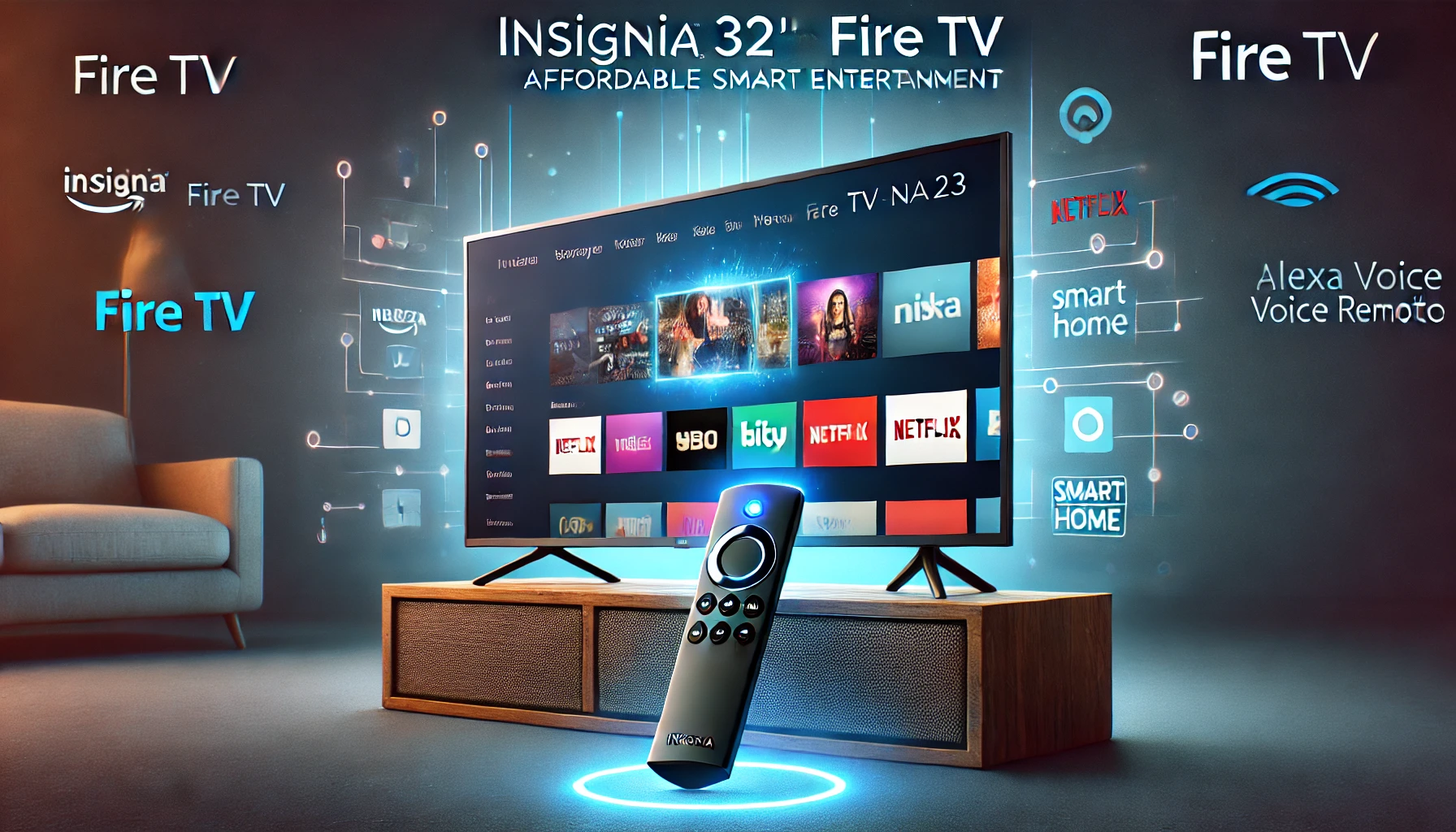
Insignia 32-inch Fire TV (NS-32F201NA23): In a market flooded with various options, finding the perfect smart TV that combines affordability, performance, and smart features can be challenging. The Insignia 32-inch Class F20 Series Smart HD 720p Fire TV with Alexa Voice Remote (model NS-32F201NA23) aims to strike a balance between quality and cost, making it a popular choice for budget-conscious consumers. But does it live up to the expectations? In this comprehensive review, we’ll dive into the key features, specifications, and overall performance of the Insignia 32-inch Fire TV, helping you decide if it’s the right fit for your home.
Overview: What Makes the Insignia 32-inch Fire TV Stand Out?
The Insignia 32-inch Fire TV is a smart HD TV that integrates Amazon’s Fire TV platform, allowing users to access a wide range of streaming services, apps, and live TV channels. With built-in Alexa, users can control the TV and other smart home devices with voice commands, making it a convenient addition to any household.
One of the main selling points of the Insignia F20 Series is its affordability. Priced lower than many of its competitors, this TV offers a solid mix of features without breaking the bank. The 720p resolution might seem modest by today’s standards, but it still delivers a crisp and clear picture for most viewing needs, particularly in smaller rooms or as a secondary TV.
Key Features of the Insignia 32-inch Fire TV (NS-32F201NA23)
When considering a new TV, it’s essential to understand the features it offers. Here’s a breakdown of what you can expect from the Insignia 32-inch TV Specs:
- 720p HD Resolution
- The Insignia 32-inch Fire TV features a 720p HD display, which is sufficient for a TV of this size. While it doesn’t offer the 1080p or 4K resolution of higher-end models, the picture quality is adequate for casual viewing, especially in smaller spaces like bedrooms or kitchens.
- Fire TV Built-In
- One of the standout features of this TV is the built-in Fire TV functionality. This means you have instant access to thousands of streaming apps, including Netflix, Hulu, Amazon Prime Video, and more. The Fire TV platform is intuitive and easy to navigate, making it simple to find and watch your favorite content.
- Alexa Voice Remote
- The included Alexa Voice Remote is a powerful tool that allows you to control your TV and other connected smart home devices with your voice. Whether you want to change the channel, adjust the volume, or check the weather, simply ask Alexa, and it’s done. This feature adds significant value to the TV, especially for those already using Amazon’s Alexa ecosystem.
- Smart Home Integration
- The Insignia 32-inch Fire TV is not just a TV; it’s a part of your smart home. You can use it to control other Alexa-enabled devices, such as lights, thermostats, and cameras. This integration makes it a versatile addition to any smart home setup.
- Multiple HDMI Inputs
- The TV comes equipped with three HDMI inputs, allowing you to connect various devices such as gaming consoles, Blu-ray players, and sound systems. This makes it easy to switch between different sources without the need to unplug and replug cables constantly.
Insignia NS-32F201NA23 Review: Performance and User Experience
Now that we’ve covered the features, let’s dive into the performance and overall user experience of the Insignia 32-inch Fire TV.
Picture Quality
While the 720p resolution might not offer the sharpest picture quality, it performs well for a TV of this size. The colors are vibrant, and the contrast is decent, making it suitable for watching movies, TV shows, and even playing video games. However, if you’re used to 1080p or 4K TVs, you might notice a difference in sharpness and detail.
Sound Quality
The sound quality of the Insignia 32-inch Fire TV is surprisingly good for a budget TV. The built-in speakers provide clear audio, and the volume can get reasonably loud without distortion. For a more immersive experience, you might want to connect external speakers or a soundbar, but for everyday use, the built-in sound system is more than adequate.
Fire TV Interface
One of the most significant advantages of this TV is its integration with the Fire TV platform. The interface is user-friendly, with easy access to streaming apps, live TV, and settings. The Fire TV experience is smooth, with minimal lag or loading times, even when switching between apps. This makes the Insignia 32-inch Fire TV an excellent choice for users who prioritize streaming services.
Alexa Voice Remote Functionality
The Alexa Voice Remote works flawlessly with this TV. Voice commands are recognized quickly, and the response time is impressive. Whether you’re asking Alexa to play a specific show, search for a movie, or control other smart devices, the remote handles it all with ease. This feature significantly enhances the overall user experience, making the Insignia NS-32F201NA23 a convenient and efficient addition to your smart home.
Comparing the Insignia 32-inch Fire TV to Other Models
When shopping for a 32-inch smart TV, it’s essential to consider other options on the market. Here’s how the Insignia F20 Series compares to some of its competitors:
Insignia 32-inch Fire TV vs. TCL 32-inch 3-Series Roku TV
The TCL 32-inch 3-Series Roku TV is another popular option in the budget smart TV market. Both TVs offer similar features, including built-in smart platforms (Fire TV for Insignia and Roku TV for TCL) and 720p resolution. However, the Insignia Fire TV edges out with the inclusion of the Alexa Voice Remote, which adds more functionality and smart home integration. On the other hand, the Roku TV interface is known for its simplicity and wide range of available channels, which might appeal to users who prefer the Roku ecosystem.
Insignia 32-inch Fire TV vs. Samsung 32-inch M4500 Smart TV
The Samsung 32-inch M4500 offers a slightly better picture quality with its 720p HD resolution and Samsung’s proprietary picture-enhancing technologies. However, it lacks the built-in Fire TV functionality and Alexa Voice Remote, making the Insignia 32-inch Fire TV a more versatile choice for users looking for an all-in-one smart TV experience. Samsung’s model might appeal to those who prioritize picture quality over smart features, but for overall value and functionality, the Insignia F20 Series is hard to beat.
Insignia 32-inch Fire TV vs. Vizio 32-inch D-Series Smart TV
The Vizio 32-inch D-Series offers Full HD (1080p) resolution, which is a step up from the 720p resolution of the Insignia model. However, it comes with Vizio’s SmartCast platform, which, while functional, doesn’t offer the same level of app availability or ease of use as the Fire TV platform. Additionally, the Insignia 32-inch Fire TV comes with the Alexa Voice Remote, providing better smart home integration and voice control. If you value picture quality above all else, the Vizio might be the better choice, but for an overall balanced experience, the Insignia model is a strong contender.
How to Get the Most Out of Your Insignia 32-inch Fire TV
To maximize the use of your Insignia 32-inch Fire TV, consider the following tips:
- Customize Your Alexa Routines: Take advantage of the Alexa Voice Remote by setting up routines that integrate with other smart home devices. For example, you can create a routine that turns off the lights and starts your favorite Netflix show with a single voice command.
- Explore the Fire TV App Store: The Fire TV platform offers a wide range of apps beyond the standard streaming services. Explore the app store to find games, fitness apps, and other entertainment options to expand your TV’s capabilities.
- Connect External Speakers: While the built-in speakers are decent, connecting a soundbar or external speakers can significantly enhance your viewing experience, particularly when watching movies or playing games.
- Use the HDMI Ports Wisely: With three HDMI ports available, you can easily connect multiple devices, such as a gaming console, Blu-ray player, and sound system. This setup ensures you have all your entertainment options readily accessible.
Is the Insignia 32-inch Fire TV the Best Budget Smart TV?
The Insignia 32-inch Fire TV (NS-32F201NA23) offers an impressive mix of features, performance, and value, making it one of the best budget smart TVs on the market. Its integration with the Fire TV platform, coupled with the functionality of the Alexa Voice Remote, makes it a versatile choice for anyone looking to add a smart TV to their home.
Whether you’re using it as your primary TV or as a secondary screen in a bedroom or kitchen, the Insignia 32-inch Fire TV delivers a solid viewing experience at a price that won’t break the bank. If you’re looking for an affordable smart TV with robust features, this model is certainly worth considering.
For more insights on smart home technology and tips on optimizing your home entertainment experience, check out the resources available at Regent Studies.
The Insignia 32-inch Fire TV (NS-32F201NA23) stands out as a top choice for those seeking a budget-friendly smart TV with solid performance and smart features. With built-in Fire TV and an Alexa Voice Remote, it offers seamless integration with your smart home, making it an excellent addition to any household. Whether you’re using it as a primary TV or in a secondary space, its 720p resolution and smart capabilities make it a versatile option.
For a more in-depth understanding of its features and comparisons with other models, this TV provides a comprehensive mix of performance and value. Explore more smart home tips and enhance your entertainment experience by visiting Regent Studies.