PS5 DualSense Astro Bot Controller Adventures and Innovations
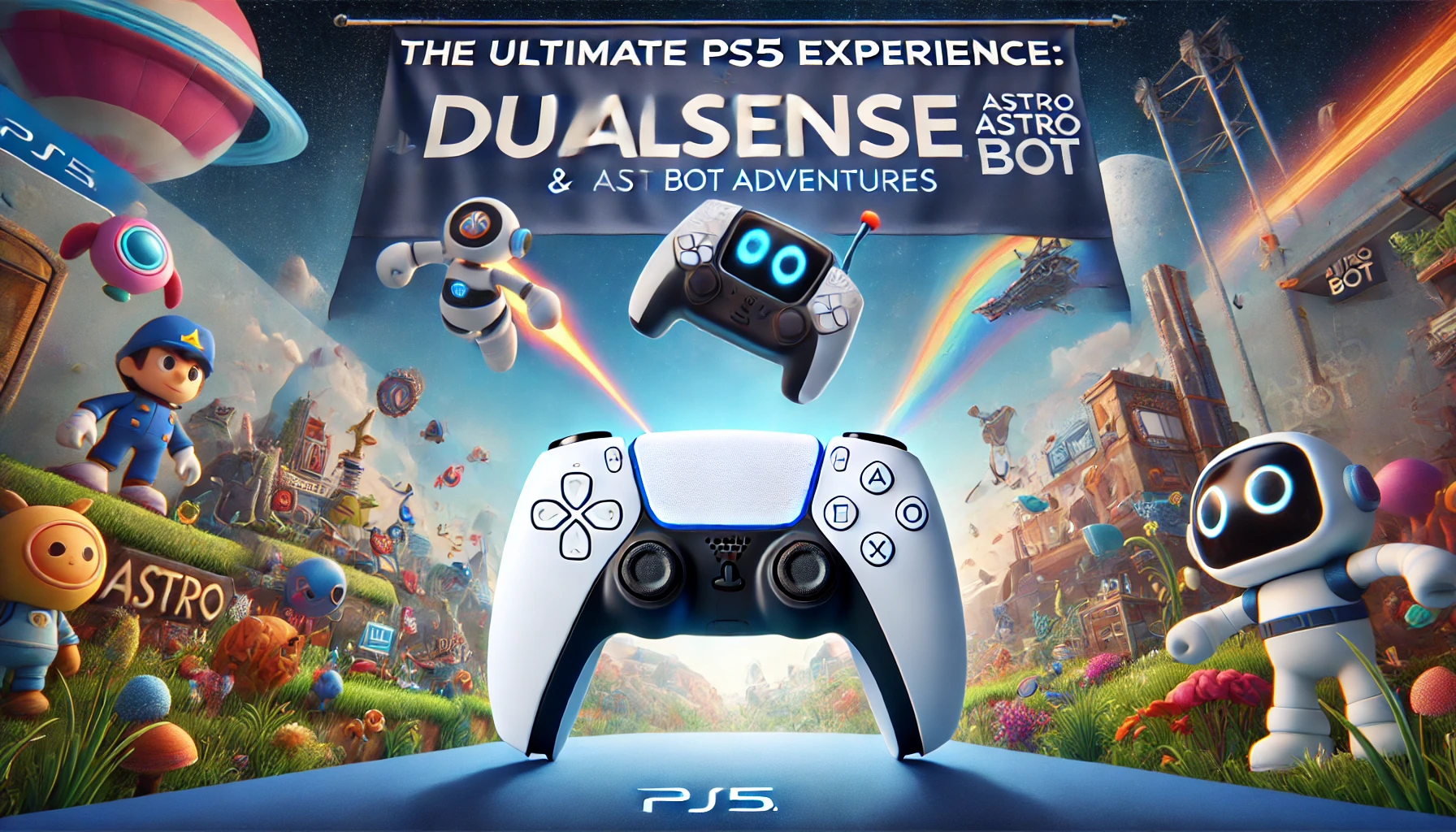
At the heart of this experience lies the PS5 DualSense Astro Bot controller, a device that not only enhances gameplay but also offers a deeper connection between the player and the virtual world. Among the many titles that showcase the DualSense’s capabilities, the Astro Bot series stands out, offering players a delightful adventure that fully leverages the controller’s unique features. In this blog, we will explore the PS5 DualSense controller and how it pairs with Astro Bot games to create an unforgettable gaming experience.
The PS5 DualSense Controller: A Game-Changer in the Industry
The PS5 DualSense controller is more than just a means to play games; it is a gateway to a new level of immersion. Sony has designed this controller to be a seamless extension of the player, enabling them to feel every moment of the game as if they were living it.
1. Haptic Feedback: Feeling the Game
One of the standout features of the PS5 DualSense controller is its haptic feedback. Unlike traditional rumble technology, haptic feedback allows for precise and varied sensations that correspond to in-game actions. Whether you are feeling the crunch of gravel underfoot or the impact of a punch, the DualSense’s haptic feedback creates a more tactile and engaging experience.
- Astro’s Playroom and Haptic Feedback: In Astro’s Playroom, the haptic feedback is showcased brilliantly. As players guide Astro through different environments, the controller provides unique sensations that match the terrain, making every step feel distinct and real.
2. Adaptive Triggers: A New Dimension of Control
The PS5 DualSense adaptive triggers add another layer of immersion by providing varying levels of resistance based on in-game actions. For example, drawing a bowstring in a game will make the trigger more resistant, mimicking the real-world tension.
- Adaptive Triggers in Astro Bot: The Astro Bot PS5 games make excellent use of adaptive triggers. When controlling Astro, players can feel the tension as they launch him into the air or the resistance as they grip objects. This feature enhances the gameplay, making it more intuitive and physically engaging.
3. Customization and Updates: Keeping the DualSense Fresh
The PS5 DualSense controller is not just about its built-in features; it is also highly customizable. Players can choose from various PS5 controller colors to match their personal style. Additionally, Sony frequently releases DualSense controller updates to improve performance and introduce new features.
- Controller Updates: These updates often enhance the haptic feedback and adaptive triggers, ensuring that the controller continues to deliver the best possible experience. Gamers can easily install these updates through their PS5 console, keeping their DualSense controller at the cutting edge of gaming technology.
Astro Bot: A Perfect Match for the DualSense Controller
The Astro Bot series has become synonymous with showcasing the PS5 DualSense controller. From the moment players start their journey with Astro, they are treated to a masterclass in how a controller can enhance gameplay.
1. Astro’s Playroom: A DualSense Showcase
Astro’s Playroom is more than just a game; it is a demonstration of what the PS5 DualSense controller can do. Designed as a free title bundled with the PS5, Astro’s Playroom takes players on a tour of the PS5’s capabilities, with each level dedicated to a different feature of the DualSense controller.
- Exploring with Astro: As players explore the different worlds in Astro’s Playroom, they will experience how the DualSense features bring the game to life. The haptic feedback makes every interaction feel real, while the adaptive triggers respond to the player’s actions, making each movement more immersive.
2. Astro Bot Rescue Mission: A VR Adventure
Astro Bot Rescue Mission, although initially released for the PS4, has been reimagined for the PS5 with enhanced features that take full advantage of the PS5 DualSense controller. This virtual reality (VR) platformer takes players on an epic journey to rescue Astro’s friends, offering a unique blend of action, exploration, and puzzle-solving.
- Integration with DualSense: The game’s integration with the PS5 DualSense controller adds a new level of immersion. Players can feel the tension in the triggers as they navigate through obstacles, and the haptic feedback makes every encounter with enemies more intense.
3. The Evolution of Astro Bot Games
The Astro Bot series continues to evolve, with each new release building on the successes of its predecessors. The combination of charming characters, innovative gameplay, and the PS5 DualSense controller has made Astro Bot one of the most beloved franchises on the PS5.
- Astro Bot Game PS5: The latest Astro Bot game for PS5 continues this tradition, offering players new worlds to explore and challenges to overcome, all while making full use of the DualSense controller. With each game, players can expect new ways to interact with the world of Astro, thanks to the innovative features of the DualSense.
Customization: Making the DualSense Your Own
One of the most exciting aspects of the PS5 DualSense controller is the ability to customize it to fit your personal style. Sony offers a variety of PS5 controller colors, allowing players to choose a design that reflects their personality.
1. Exploring PS5 Controller Colors
From classic white to bold red and blue, the PS5 controller colors offer something for everyone. Whether you prefer a sleek and minimalist look or a vibrant and eye-catching design, there is a DualSense controller to match your taste.
- Limited Edition Controllers: Sony also releases limited edition PS5 DualSense controllers that feature unique designs and colors. These controllers are often themed around popular games or events, making them highly sought after by collectors and fans.
2. Keeping Your Controller Updated
Regular DualSense controller updates ensure that your controller remains in top condition, with the latest features and improvements. These updates can be easily downloaded and installed via the PS5 console, allowing players to enjoy the best possible experience.
- How to Update: Updating your PS5 DualSense controller is a straightforward process. Simply connect the controller to your PS5 console via a USB cable, and the system will automatically check for and install any available updates.
Conclusion: The Ultimate PS5 Experience with DualSense and Astro Bot
The PS5 DualSense controller and Astro Bot games represent the pinnacle of what the PS5 has to offer. With features like haptic feedback and adaptive triggers, the DualSense controller elevates gaming to a new level, making every interaction more immersive and engaging. Meanwhile, the Astro Bot series showcases these features in creative and delightful ways, offering players a gaming experience that is both fun and innovative.
As we look to the future, it is clear that the PS5 DualSense controller and Astro Bot will continue to play a significant role in shaping the gaming landscape. Whether you are exploring new worlds with Astro or customizing your controller with the latest colors and updates, the PS5 offers endless possibilities for gamers of all types.
For those interested in learning more about the technology behind the PS5 DualSense controller and its applications in gaming, Regent Studies provides valuable resources and educational materials. Additionally, you can explore more about PS5 accessories and games on PlayStation’s official website for the latest updates and releases.
The combination of the PS5 DualSense controller and Astro Bot games truly defines the next generation of gaming, offering players an experience that is both immersive and unforgettable. Whether you are new to the PS5 or a seasoned player, there is no better time to dive into the world of Astro Bot and discover the full potential of the DualSense controller.

You may also like