An Even Easier Introduction to CUDA: 10 Days Course
1. About the Course
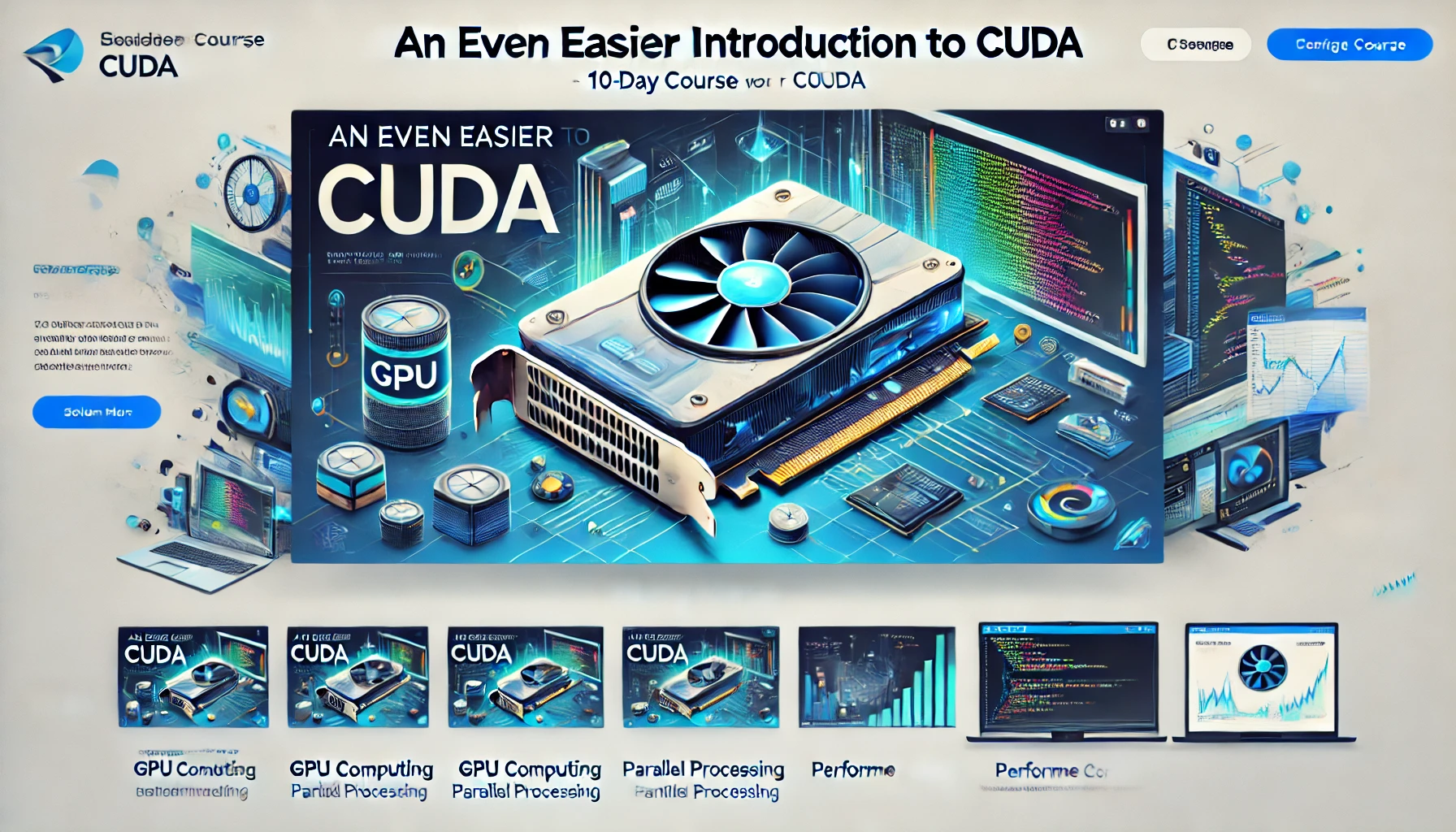
“An Even Easier Introduction to CUDA” is a meticulously designed 10-day course that aims to demystify the world of parallel computing using CUDA, CUDA C++, nvcc, and nvprof. CUDA (Compute Unified Device Architecture) is a parallel computing platform and application programming interface (API) model created by NVIDIA. It allows developers to harness the power of GPUs (Graphics Processing Units) to accelerate computing tasks that are traditionally handled by CPUs (Central Processing Units).
This course is tailored for beginners who want to explore the potential of CUDA in a step-by-step manner, without the intimidating jargon and complex concepts often associated with parallel programming. By the end of this course, you will have a solid understanding of CUDA, how to write CUDA C++ programs, compile them using nvcc, and profile their performance with nvprof. Whether you are a student, software developer, or a data scientist, this course will equip you with the essential skills to leverage GPU computing for your projects.
2. Learning Objectives
Upon completion of this course, participants will be able to:
- Understand the fundamentals of CUDA: Learn what CUDA is, how it works, and its significance in parallel computing.
- Write basic CUDA C++ programs: Develop CUDA programs using C++ and understand the syntax and structure.
- Utilize the
nvcccompiler: Compile and debug CUDA programs using thenvcccompiler effectively. - Optimize and profile programs using
nvprof: Analyze and improve the performance of CUDA programs withnvprof. - Develop parallel algorithms: Design and implement parallel algorithms that run efficiently on NVIDIA GPUs.
- Transition from CPU to GPU programming: Identify opportunities to shift CPU-bound tasks to GPU-based solutions for improved performance.
3. Course Prerequisites
This course is designed for beginners, but a basic understanding of the following concepts is recommended:
- C++ Programming: A foundational knowledge of C++ is required, including familiarity with syntax, control structures, functions, and basic object-oriented principles.
- Computer Architecture: Understanding of basic computer architecture concepts such as CPU, memory, and how data flows through a computer.
- Mathematics: Basic knowledge of mathematics, particularly linear algebra, will be beneficial in understanding some of the concepts in parallel computing.
- Linux/Command Line Interface: Experience with the Linux operating system and command-line tools will be helpful as CUDA development is often done in a Linux environment.
4. Course Outlines
This course is structured to provide a comprehensive introduction to CUDA and its associated tools, organized as follows:
- Introduction to CUDA and GPU Computing: Understanding the need for parallel computing and how CUDA fits into the picture.
- Setting Up the Development Environment: Installing the necessary software and tools, including CUDA Toolkit,
nvcc, andnvprof. - Understanding CUDA Programming Model: Learning about CUDA threads, blocks, and grids, and how they map to GPU hardware.
- Writing Your First CUDA C++ Program: Step-by-step guide to writing and running a simple CUDA C++ program.
- Exploring
nvcc: A deep dive into the CUDA C++ compiler, understanding its options, and how to use it for effective development. - Memory Management in CUDA: Exploring different types of memory in CUDA (global, shared, constant, etc.) and how to manage them.
- Optimizing CUDA Programs: Techniques for improving the performance of CUDA programs, including memory optimization and parallel algorithm design.
- Profiling with
nvprof: Learning how to usenvprofto profile CUDA programs, identify bottlenecks, and optimize performance. - Advanced CUDA Programming: Exploring advanced concepts like streams, events, and concurrency in CUDA.
- Capstone Project: Applying everything learned in the course to develop a fully functional CUDA application.
5. Day-by-Day Breakdown
Day 1: Introduction to CUDA and GPU Computing
- Objectives: Understand the basics of parallel computing and why GPUs are essential. Learn about CUDA’s role in accelerating computations.
- Topics:
- What is CUDA?
- Difference between CPU and GPU computing
- Overview of CUDA architecture
- Benefits of using CUDA in various applications
- Activities:
- Reading materials on CUDA’s impact in industries like AI and scientific computing
- External link: NVIDIA CUDA documentation
- Internal link: Regent Studies Courses on Advanced Computing
Day 2: Setting Up the Development Environment
- Objectives: Install and configure the CUDA Toolkit,
nvcc, andnvprofon your system. - Topics:
- Downloading and installing CUDA Toolkit
- Setting up the development environment on Linux and Windows
- Introduction to
nvccandnvprof
- Activities:
- Step-by-step installation guide
- Verifying installations with a sample program
Day 3: Understanding CUDA Programming Model
- Objectives: Learn the core concepts of the CUDA programming model, including threads, blocks, and grids.
- Topics:
- CUDA threads and blocks
- Grid structures and memory hierarchy
- Mapping computations to CUDA threads
- Activities:
- Hands-on exercise: Visualizing thread execution with a sample CUDA program
Day 4: Writing Your First CUDA C++ Program
- Objectives: Write, compile, and run your first CUDA C++ program.
- Topics:
- Basic CUDA syntax and structure
- Writing a CUDA kernel
- Launching kernels and managing thread execution
- Activities:
- Write and compile a simple CUDA program
- Analyzing the program output and performance
Day 5: Exploring nvcc
- Objectives: Deepen your understanding of the
nvcccompiler and how it works. - Topics:
nvcccommand-line options- Compiling CUDA programs with different optimization levels
- Debugging CUDA programs with
nvcc
- Activities:
- Experiment with different
nvccflags and observe their effects on the compiled program
- Experiment with different
Day 6: Memory Management in CUDA
- Objectives: Learn how to efficiently manage memory in CUDA programs.
- Topics:
- Types of memory in CUDA (global, shared, constant, etc.)
- Memory allocation and transfer between host and device
- Best practices for memory management
- Activities:
- Write programs to demonstrate memory allocation and transfer
- Analyze performance implications of different memory types
Day 7: Optimizing CUDA Programs
- Objectives: Apply optimization techniques to improve the performance of your CUDA programs.
- Topics:
- Identifying performance bottlenecks
- Memory coalescing and alignment
- Optimizing parallel algorithms for better GPU utilization
- Activities:
- Optimize an existing CUDA program and measure performance gains
Day 8: Profiling with nvprof
- Objectives: Learn how to profile and optimize CUDA programs using
nvprof. - Topics:
- Introduction to
nvprof - Using
nvprofto identify hotspots in CUDA programs - Analyzing and interpreting profiling data
- Introduction to
- Activities:
- Profile a CUDA program with
nvprofand identify areas for optimization
- Profile a CUDA program with
Day 9: Advanced CUDA Programming
- Objectives: Explore advanced features of CUDA for more complex applications.
- Topics:
- Streams and events
- Concurrency and asynchronous execution
- Using multiple GPUs
- Activities:
- Implement a CUDA program using streams and events
Day 10: Capstone Project
- Objectives: Apply all the knowledge gained throughout the course to develop a complete CUDA application.
- Topics:
- Project planning and design
- Coding and testing the application
- Profiling and optimizing the application
- Activities:
- Develop a CUDA application from scratch
- Present the project to peers for feedback
6. Learning Outcomes
By the end of “An Even Easier Introduction to CUDA,” participants will be able to:
- Develop CUDA applications: Confidently write and compile CUDA C++ programs, leveraging the power of GPUs.
- Optimize performance: Use
nvprofto profile and optimize CUDA programs, ensuring efficient GPU utilization. - Implement parallel algorithms: Design and implement parallel algorithms that significantly outperform their CPU-based counterparts.
- Transition smoothly to advanced CUDA topics: Have a solid foundation to explore more advanced CUDA features and techniques, such as multi-GPU programming and concurrent execution.
Participants will leave the course with practical experience, a strong theoretical understanding, and a project portfolio showcasing their newly acquired skills. Whether for academic research, professional development, or personal interest, this course serves as a stepping stone into the fascinating world of GPU computing with CUDA.
This course outline is designed to provide you with a comprehensive introduction to CUDA while ensuring that each step is engaging, informative, and easy to follow. By following this guide, you will gain a deeper understanding of CUDA and how it can be applied to accelerate your computing tasks. Don’t miss out on this opportunity to enhance your programming skills and join the growing community of CUDA developers.

You may also like
How to Build OpenUSD Applications for Industrial Digital Twins
Building a 3D Product Configurator with USD and Omniverse